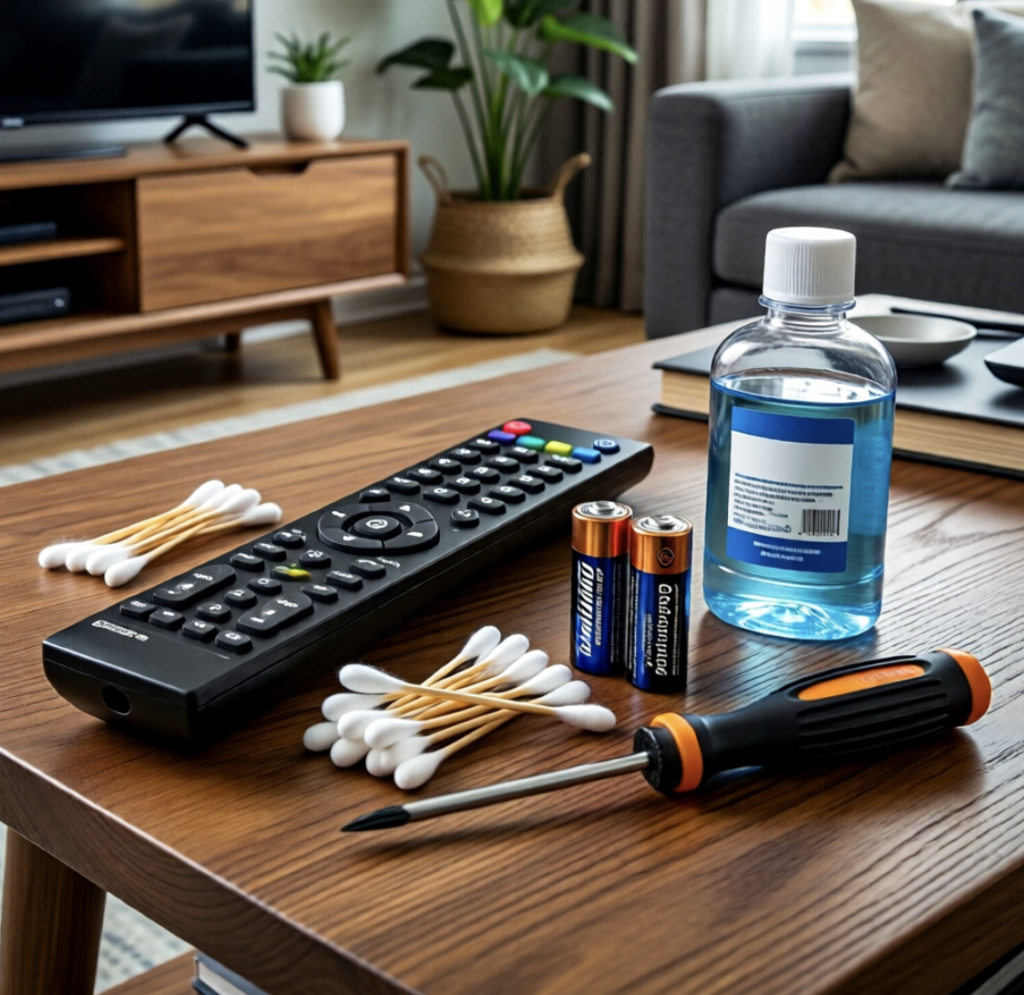
When a remote control suddenly stops working, many people immediately assume the batteries have died. While depleted batteries are a common cause, they are not the only explanation. In some cases, a simple inspection can identify the problem without the need to replace the batteries or purchase a new remote.
Performing a few basic checks may help restore normal operation and avoid unnecessary expense.
1. Confirm the Batteries Are Installed Correctly
Even new batteries will not power the remote if they are inserted incorrectly.
Check that:
- The positive (+) and negative (−) ends match the markings inside the battery compartment.
- Both batteries are fully seated in their slots.
- The battery compartment door closes securely.
Incorrect battery orientation is a surprisingly common cause of remote control problems.
2. Inspect the Battery Contacts
Over time, the metal battery terminals inside the remote may become dirty or develop corrosion.
Look for:
- White or green residue
- Rust or discoloration
- Bent or damaged contacts
If needed, gently clean the contacts using a cotton swab lightly dampened with isopropyl alcohol. If corrosion is present, follow the manufacturer’s cleaning recommendations or replace the remote if damage is severe.
3. Test the Batteries Before Replacing Them
If you have access to a battery tester or multimeter, checking the batteries may confirm whether they still have sufficient power.
Sometimes batteries that seem “dead” still have usable charge, while other times a battery may lose voltage unexpectedly.
4. Make Sure Nothing Is Blocking the Signal
Most television and media remotes use infrared (IR) signals, which require a clear line of sight.
Check for:
- Objects blocking the front of the remote
- Dust covering the infrared sensor on the device
- Excessive distance between the remote and the device
Removing obstacles may restore normal operation.
5. Test the Infrared Transmitter
Many smartphone cameras can detect infrared light that is invisible to the human eye.
To perform a simple check:
- Open the camera app on a smartphone.
- Point the front of the remote toward the camera lens.
- Press any button on the remote.
- Look at the phone screen.
If the remote is transmitting properly, a flashing or blinking light may appear on the screen. If no light is visible, the remote may have a battery or hardware problem.
Note: Some smartphone camera models filter infrared light, so this method may not work on every device.
6. Clean the Remote Control
Dust, grease, and debris can interfere with button operation.
Wipe the exterior with a soft cloth and clean around the buttons using a slightly damp cloth or cotton swab. Avoid allowing moisture to enter the electronic components.
7. Restart the Device
Sometimes the issue is not the remote itself.
Try:
- Turning the television or device off and back on
- Unplugging the device for a minute before reconnecting it
- Checking whether the device responds to its physical control buttons
If the device does not respond to manual controls either, the problem may not be related to the remote.
When Should You Replace the Batteries?
Replacing the batteries is appropriate when:
- The batteries test low or are several months old with regular use.
- The infrared signal is weak or absent.
- The remote only works intermittently after other checks have been completed.
Always replace both batteries at the same time using the correct type recommended by the manufacturer.
When Might the Remote Need Replacement?
A replacement remote may be necessary if:
- Liquid has entered the remote.
- The battery compartment is badly corroded.
- Buttons no longer function after cleaning.
- The remote has been physically damaged.
- The infrared transmitter no longer operates despite fresh batteries.
The Bottom Line
A non-functioning remote control does not always mean the batteries need to be replaced. Checking battery installation, cleaning the contacts, confirming the infrared signal, removing obstacles, and inspecting the remote for damage can often identify the problem quickly. These simple troubleshooting steps may save time, reduce unnecessary battery waste, and help determine whether a repair or replacement is actually needed.
